
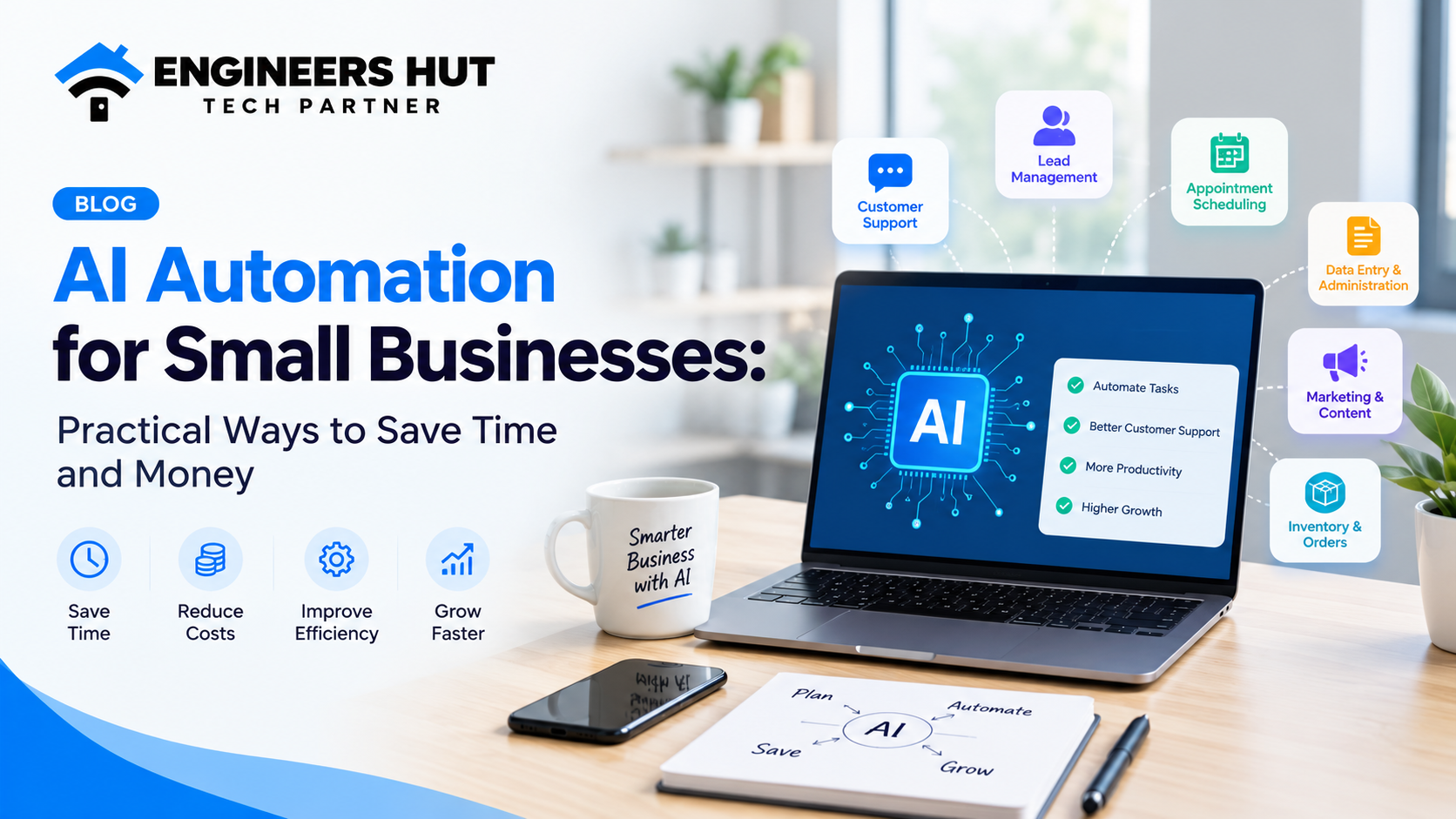
Running a small business is not easy. Between managing customers, responding to inquiries, handling daily operations, tracking sales, and completing administrative tasks, business owners often spend more time managing processes than growing their businesses.
But what if some of these tasks could be handled automatically?
This is where AI automation comes in.
AI automation helps businesses streamline repetitive tasks, improve efficiency, reduce manual work, and make better use of their time. From automated customer support to intelligent data processing, businesses can use artificial intelligence to simplify everyday operations without necessarily expanding their teams.
In this guide, we will explore how AI automation works, its practical applications for small businesses, its benefits, and how you can start implementing it in your organization.
What Is AI Automation?
AI automation combines artificial intelligence with automated workflows to perform tasks that would otherwise require significant manual effort.
Traditional automation follows predefined rules. For example, a system might send an email whenever someone submits a contact form.
AI-powered automation can go further by analyzing information, understanding customer messages, categorizing requests, generating responses, and helping teams make decisions based on available data.
For example, a business could use an AI-powered system to analyze an incoming customer inquiry, identify what the customer needs, and direct the inquiry to the appropriate department.
The goal is not to replace every human task. It is to help people spend less time on repetitive work and more time on activities that require creativity, communication, and judgment.
Why Is AI Automation Important for Small Businesses?
Small businesses often operate with limited budgets and smaller teams. Every hour matters, and inefficient processes can slow down growth.
AI automation can help businesses address these challenges by improving how everyday tasks are completed.
Here are some important reasons businesses are exploring AI automation:
- Save time: Automate repetitive administrative and operational tasks.
- Improve productivity: Allow employees to focus on higher-value responsibilities.
- Respond to customers faster: Provide timely assistance and organize incoming inquiries.
- Reduce manual errors: Minimize mistakes in repetitive, rule-based workflows.
- Improve decision-making: Analyze available business information to identify patterns and opportunities.
- Support business growth: Handle increasing workloads without increasing manual effort at the same rate.
However, the benefits depend on the quality of implementation, the processes being automated, and the reliability of the underlying data.
7 Practical Ways to Use AI Automation in Small Businesses
1. Automate Customer Support
Customer communication is essential for every business, but answering the same questions repeatedly can consume valuable time.
AI-powered customer support tools can help businesses respond to common questions about services, pricing, working hours, product availability, and order status.
For example, a customer visiting your website might ask about a service. An AI assistant can use approved business information to provide an initial answer and direct the customer to the appropriate next step.
AI customer support can also help categorize inquiries, summarize conversations, and route complicated requests to the right employee.
Business benefits:
- Faster responses to common questions.
- More organized customer inquiries.
- Reduced repetitive work for support teams.
- Better availability outside normal business hours, where supported.
For sensitive issues, complaints, or questions that require human judgment, businesses should provide a clear option to contact a person.
2. Automate Lead Management and Follow-Ups
Generating leads is only one part of growing a business. Following up with potential customers at the right time is equally important.
Without a structured process, businesses may forget to respond to inquiries, miss follow-up opportunities, or lose track of conversations.
AI-powered lead management can help organize this process.
For example, when someone submits an inquiry through your website, an automated workflow could:
- Capture the customer's contact information.
- Categorize the inquiry based on the requested service.
- Add the lead to a CRM system.
- Notify the relevant sales representative.
- Draft a personalized follow-up message.
- Schedule a reminder if no response is received.
AI can also help summarize previous conversations so sales representatives understand a prospect's requirements before contacting them.
Business benefits:
- Better lead organization.
- More consistent follow-ups.
- Less manual data entry.
- Improved visibility into the sales pipeline.
Automated messages should be relevant, accurate, and compliant with applicable privacy and marketing requirements.
3. Automate Business Administration and Data Entry
Administrative work can quietly consume hours every week.
Employees may need to copy information between spreadsheets, update records, organize documents, generate reports, and maintain customer databases.
Many of these tasks can be streamlined through workflow automation, with AI helping when information is unstructured or difficult to categorize.
For example, an automated workflow could extract relevant information from incoming documents, organize the data into predefined fields, and prepare it for review in a business system.
AI can also help summarize lengthy documents and classify incoming requests.
Business benefits:
- Less repetitive data entry.
- Faster document processing.
- More consistent record organization.
- More time for important business activities.
One important consideration is accuracy. Financial records, contracts, and other critical information should be checked before being finalized or used for important decisions.
4. Use AI to Improve Marketing and Content Creation
Marketing requires consistency. Businesses need to create website content, social media posts, email campaigns, product descriptions, and other promotional materials.
AI tools can assist with many parts of this process.
For example, a business could use AI to generate initial blog outlines, suggest social media content ideas, summarize customer feedback, or create different versions of an email campaign.
A marketing team can then review and refine the output to match its brand voice and business goals.
AI can also help organize content calendars and automate certain publishing workflows when connected to suitable tools.
Business benefits:
- Faster content planning.
- More efficient content production.
- Easier repurposing of existing material.
- Reduced time spent on repetitive marketing tasks.
AI-generated content still requires human review. Businesses should verify facts, avoid publishing misleading claims, and ensure that their content provides genuine value to readers.
5. Automate Appointment Scheduling and Reminders
Businesses that depend on appointments often spend time coordinating schedules, confirming bookings, and reminding customers about upcoming meetings.
AI-enabled scheduling workflows can make this process easier.
For example, a consulting firm could allow visitors to request an appointment through its website. Once the booking is confirmed, the system could automatically send a confirmation email, add the appointment to a calendar, and send a reminder before the meeting.
A conversational AI assistant could also help customers understand available services or identify the appropriate appointment type.
Business benefits:
- Reduced scheduling effort.
- Faster booking confirmations.
- Fewer missed reminders.
- A more convenient customer experience.
The system should account for calendar availability, cancellations, time zones, and privacy requirements to avoid creating scheduling problems.
6. Streamline Inventory and Order Management
For retailers and eCommerce businesses, managing inventory and orders is an ongoing challenge.
Manual processes can make it harder to identify stock shortages, monitor order status, and keep information consistent across different systems.
Automation can help synchronize order information, update inventory records, notify staff about low-stock items, and send customers order updates.
AI can add further value by analyzing historical sales and identifying demand patterns that may help businesses plan inventory.
For example, an inventory system could flag products that frequently run out of stock or identify seasonal changes in purchasing behavior.
Business benefits:
- Better inventory visibility.
- Faster order processing.
- Fewer manual updates.
- More informed inventory planning.
AI-based demand forecasts are estimates rather than guarantees. Businesses should account for changing market conditions, supplier delays, and unusual demand.
7. Build AI-Powered Internal Business Assistants
Employees frequently need information about company policies, internal procedures, project documentation, customer records, or operational processes.
Finding this information manually can interrupt work and slow down decision-making.
An AI-powered internal assistant can help employees find relevant information from approved company documents and connected business systems.
For example, a company could create an internal assistant that answers questions about its employee handbook, summarizes project documentation, or helps team members locate standard operating procedures.
More advanced systems can connect with business applications to retrieve information or initiate approved workflows.
Business benefits:
- Faster access to internal information.
- Less time searching through documents.
- Easier knowledge sharing.
- More consistent internal processes.
Access controls are essential. Employees should only be able to retrieve information they are authorized to see, and sensitive actions should require appropriate approval.
AI Automation vs. Traditional Automation: What's the Difference?
Although both approaches can improve efficiency, they work differently.
FeatureTraditional AutomationAI Automation
How it works
Follows predefined rules
Uses AI to interpret information and assist with tasks
Best suited for
Predictable, repetitive processes
Processes involving text, documents, classification, or variable inputs
Customer inquiries
Sends predefined responses
Can interpret questions and generate context-aware responses
Data processing
Handles structured data and fixed rules
Can help extract or categorize information from unstructured data
Decision support
Applies predefined conditions
Can analyze patterns and provide recommendations
Human involvement
Depends on workflow design
Often benefits from human review, especially for uncertain or sensitive tasks
Traditional automation is often the better choice for simple, predictable tasks. AI becomes useful when the workflow involves information that is more difficult to handle with fixed rules alone.
In many businesses, combining traditional automation with AI provides the most practical solution.
How Much Does AI Automation Cost for a Small Business?
The cost of AI automation depends on the complexity of the workflow, the tools involved, the number of integrations, data requirements, security needs, and ongoing maintenance.
A simple workflow using existing automation tools may require a relatively small investment. A custom AI assistant integrated with CRM software, internal databases, and multiple business applications will generally require more planning and development.
Before investing, businesses should consider:
- Initial setup and development costs.
- Software subscriptions and API usage.
- Integration with existing systems.
- Data preparation and migration.
- Security and access controls.
- Ongoing monitoring and maintenance.
- Employee training and adoption.
Rather than automating every department at once, start with one repetitive process that has a clear business impact.
Measure the time currently spent on that task, estimate the potential savings, and compare the results with the total cost of implementation.
This approach makes it easier to determine whether expanding automation is worthwhile.
How to Implement AI Automation in Your Business
Successful AI automation starts with identifying the right problem, not choosing the most advanced technology.
Follow these steps to build a practical automation strategy.
Step 1: Identify Repetitive Tasks
List the activities your team performs regularly.
Look for processes involving repeated data entry, customer inquiries, document handling, appointment reminders, reporting, or lead management.
Prioritize tasks that consume significant time and follow reasonably consistent patterns.
Step 2: Choose One High-Impact Workflow
Avoid trying to automate everything simultaneously.
Select one process where improvements can be measured clearly.
For example, you might begin by automating website inquiries and routing them to the correct sales representative.
Step 3: Select the Right Tools and Technology
Some tasks can be handled with existing automation platforms and AI services. Others may require custom software development or integrations with your current applications.
The right approach depends on your requirements, budget, data security needs, and existing technology stack.
Avoid adding unnecessary complexity when a simpler solution can achieve the same result.
Step 4: Integrate Your Existing Business Systems
Automation becomes more useful when the systems your business already uses can share information appropriately.
Depending on your workflow, integrations may involve a website, CRM, email platform, calendar, inventory system, or internal database.
Reliable integrations help reduce duplicate work and keep information consistent.
Step 5: Test Before Full Implementation
Test the workflow using realistic scenarios.
Check whether the system handles missing information, unusual requests, incorrect data, and unexpected errors appropriately.
For AI-powered workflows, evaluate response quality and make sure the system can recognize when it should ask for clarification or escalate a task to a human.
Step 6: Monitor Results and Improve
Once the workflow is running, track meaningful performance indicators, such as:
- Time saved per task.
- Average response time.
- Error and correction rates.
- Cost per completed workflow.
- Customer satisfaction.
- Employee adoption.
Use these measurements to determine whether the automation is delivering real business value.
Common AI Automation Mistakes Businesses Should Avoid
AI automation can deliver meaningful improvements, but poor implementation can create unnecessary costs and operational problems.
Here are some common mistakes to avoid.
1. Automating an inefficient process
Automating a confusing workflow can make the problem happen faster. Improve the process before introducing automation.
2. Choosing AI when simple automation is enough
Not every task needs artificial intelligence. A straightforward rule-based workflow may be cheaper, faster, and easier to maintain.
3. Ignoring data privacy and security
Businesses should carefully manage sensitive information, control access to connected systems, and understand how their AI providers process data.
4. Trusting AI output without verification
AI systems can produce inaccurate information. Important outputs should be validated, especially when they affect customers, finances, legal obligations, or business operations.
5. Expecting immediate results without measurement
Define success before implementation. Without clear performance indicators, it becomes difficult to determine whether the investment is worthwhile.
6. Forgetting ongoing maintenance
Business processes change, integrations break, and AI models may behave differently across inputs. Regular monitoring and updates are important for long-term reliability.
What Is the Future of AI Automation for Small Businesses?
AI automation is moving beyond isolated chatbots and simple repetitive workflows.
Businesses can increasingly combine language models, business applications, databases, and workflow tools to create systems that help complete multi-step tasks.
For example, an AI-assisted sales workflow might summarize an incoming inquiry, identify the requested service, prepare a CRM entry, draft a response, and ask a team member to approve the message before sending it.
More advanced AI agents can coordinate multiple steps and use connected tools within defined permissions.
However, greater autonomy also introduces additional risks. Businesses need clear permissions, reliable monitoring, appropriate human oversight, and safeguards against incorrect actions.
The most successful implementations will not necessarily be the most complex. They will be the ones that solve specific business problems reliably and deliver measurable value.
How Engineers Hut Can Help Your Business
At Engineers Hut, we understand that businesses need technology that solves real problems, supports daily operations, and creates opportunities for growth.
Our digital development services include web development, eCommerce development, mobile application development, and custom software solutions.
For businesses exploring AI automation, the right starting point is to understand your existing processes, identify repetitive tasks, and determine whether AI, traditional automation, or a combination of both would be the best fit.
Depending on your requirements, a solution may involve an AI-powered customer assistant, automated lead management, custom business software, or integrations that connect your existing applications.
The objective is simple: build practical technology around your business needs rather than adding complexity without a clear purpose.
If you are considering AI automation for your business, visit the Engineers Hut website to learn more about our services and discuss your project requirements.
Frequently Asked Questions About AI Automation
1. Is AI automation suitable for small businesses?
Yes. Small businesses can use AI automation to streamline customer support, lead management, content workflows, document processing, and other repetitive tasks. The best starting point is a specific workflow with measurable benefits.
2. Do I need technical knowledge to use AI automation?
Not necessarily. Many ready-made platforms provide user-friendly automation tools. More complex requirements, such as integrating AI with custom software or internal databases, may require experienced developers.
3. Can AI automation reduce business operating costs?
It can reduce the amount of manual effort required for suitable tasks. Actual savings depend on implementation costs, software fees, maintenance, workflow volume, and the time saved.
4. What is the difference between AI automation and AI agents?
AI automation uses artificial intelligence within a workflow to help perform tasks. AI agents can go further by selecting actions, using connected tools, and coordinating multiple steps toward a defined goal, subject to their permissions and safeguards.
5. Which business processes should I automate first?
Start with repetitive, time-consuming tasks that have clear rules or measurable outcomes. Examples include lead routing, appointment reminders, document classification, and routine customer inquiries.
6. Is AI automation secure for business use?
It can be implemented with appropriate security measures, but security depends on the tools, configuration, data handling, and access permissions. Businesses should assess privacy requirements and limit access to sensitive information.
7. Can AI automation integrate with my existing software?
In many cases, yes. Integrations may be possible through APIs, supported connectors, or custom development. Compatibility depends on the software and its available integration capabilities.
Conclusion
AI automation is becoming a practical option for businesses that want to improve efficiency without adding unnecessary manual work.
From customer support and lead management to internal assistants and document processing, the opportunities are broad. However, success depends on choosing the right processes, using appropriate technology, and measuring the results.
You do not need to transform your entire business overnight. Start with one meaningful problem, build a practical solution, and expand as you learn what works.
Ready to explore AI automation for your business?
Connect with Engineers Hut to discuss your requirements and explore technology solutions designed around your business goals.